How to get more Google reviews without asking awkwardly
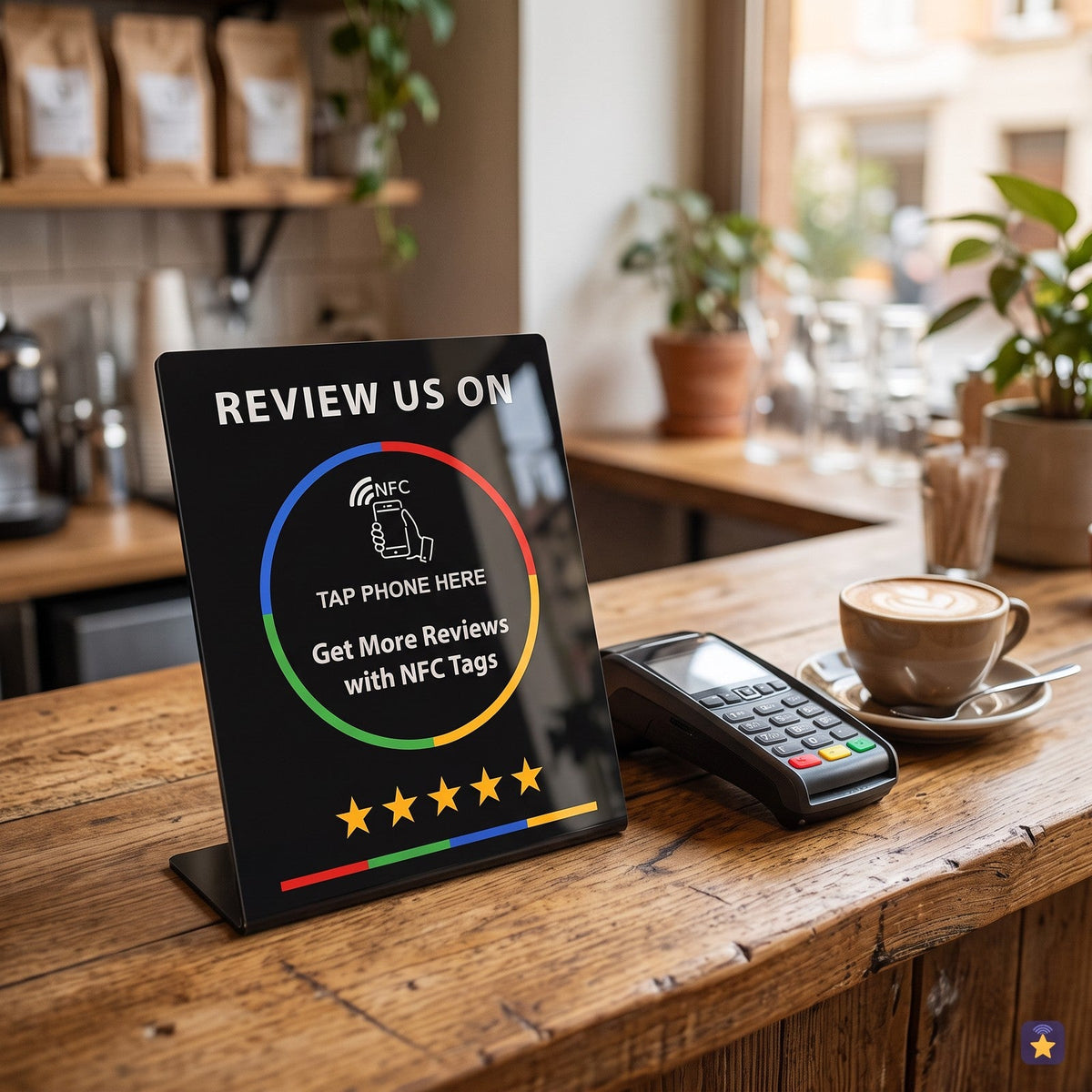
Almost every local business has the same problem: happy customers leave happy and that's it. They say “I'll leave you one later”, get home and forget. Meanwhile, the customer who had a bad day does write. The result is a profile with few reviews that doesn't reflect how you work.
The answer isn't to push harder, but to remove steps. Here are seven ways to do it, all within Google's rules.
1. Ask at the best moment, not the next day
The best moment is right at the end of the service, with every customer: when they pay, when you hand over the work, when you finish the haircut. An email two days later works much worse because the feeling has passed and the customer has to search for your profile.
2. Use your direct review link
Google gives you a link that opens the write-a-review window directly. From your Google Business Profile, tap Ask for reviews and copy the link. That link is the basis for everything else: you can put it on WhatsApp, on the receipt, in your email signature or on a plate.
3. Put it one tap away
Every step the customer has to take (open Google Maps, search for the name, find the button) makes some of them give up. An NFC plate next to the till reduces it all to holding the phone close: your profile opens, ready to rate. For phones without NFC, a QR code next to it does the same.
4. Give everyone on your team their own card
If you serve customers away from the counter (waiters, technicians, delivery drivers, mobile professionals), an NFC card in the wallet lets you ask for the review on the spot, wherever you are. If each card has its own counter, you also know who shows it the most.
5. Reply to every review
Customers read the replies. Responding to the good ones and, above all, to the bad ones politely and with solutions encourages others to write and improves how your profile looks. One or two personalised sentences are enough.
6. Ask everyone equally
Google doesn't allow you to ask for reviews only from customers you think will give a good rating, or to filter out unhappy ones. Nor does it allow discounts or gifts in exchange for a review. Ask everyone, in the same way, and let each person write what they want. It's the right thing to do and it also gives a more credible average.
7. Measure what works
If you don't measure, you don't know whether the plate at the till performs better than the one at the door, or whether one waiter shows it and another doesn't. A tap counter per plate and an alert when a new review comes in tell you quickly where to put it and who to congratulate.
Summary
- Ask in the moment, not afterwards.
- Use the direct review link.
- Shorten the path to one tap or one scan.
- Ask everyone equally, with no incentives.
- Reply and measure.
If you want to try it, a single NFC counter plate or NFC card is enough to get started. No minimum order, no fees and free shipping from €29.
The NFC plate that opens your Google listing when a phone gets close. Cards from €8.90 and plates at €14.90, free shipping from €29.
See plates and packs