Where to find the link for customers to leave you a Google review (and how to share it)
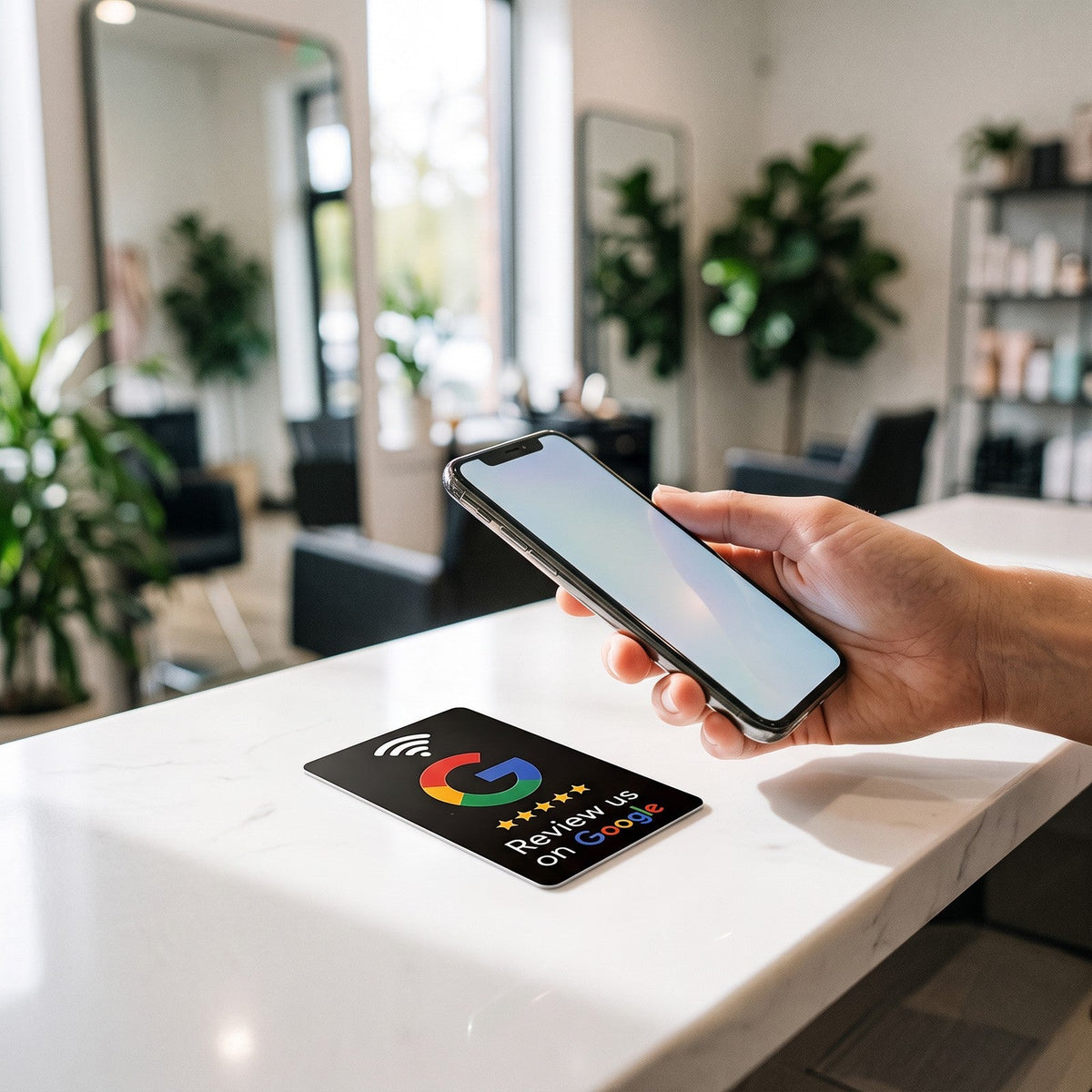
Google gives you a link that opens the window to write a review of your business directly. It's the quickest way to ask for one: the customer doesn't have to search for you on Maps.
How to get the link
- Sign in to Google with the account that manages your business and search for your business name (or open the Google Maps app and go to your profile).
- In your Business Profile panel, tap Ask for reviews (in some cases it appears as “Get more reviews”).
- Copy the link that appears. It usually starts with
g.page/r/ormaps.app.goo.gl.
If you don't see the button, check that your profile is verified and that you're using the owner or manager account.
Where to put it
- WhatsApp: when saying goodbye to a customer or sending the final quote.
- Receipt or invoice: as a QR code at the bottom.
- Email signature and appointment confirmations.
- An NFC plate or card at the till or in your wallet, to ask in person at just the right moment.
- Your website and social media, as a “Leave us your feedback” button.
A trick: route the link through you
If you paste the Google link straight into a QR code or a chip, you won't know how many people use it and, if it ever changes, you'll have to reprint everything. With Tocky you paste the link into your dashboard and the plate points to your own link that counts the taps. If you change profile or want it to open your Instagram one day, you change it in the dashboard and the plate stays the same.
You can start with a single NFC card or a counter plate.
The NFC plate that opens your Google listing when a phone gets close. Cards from €8.90 and plates at €14.90, free shipping from €29.
See plates and packs